
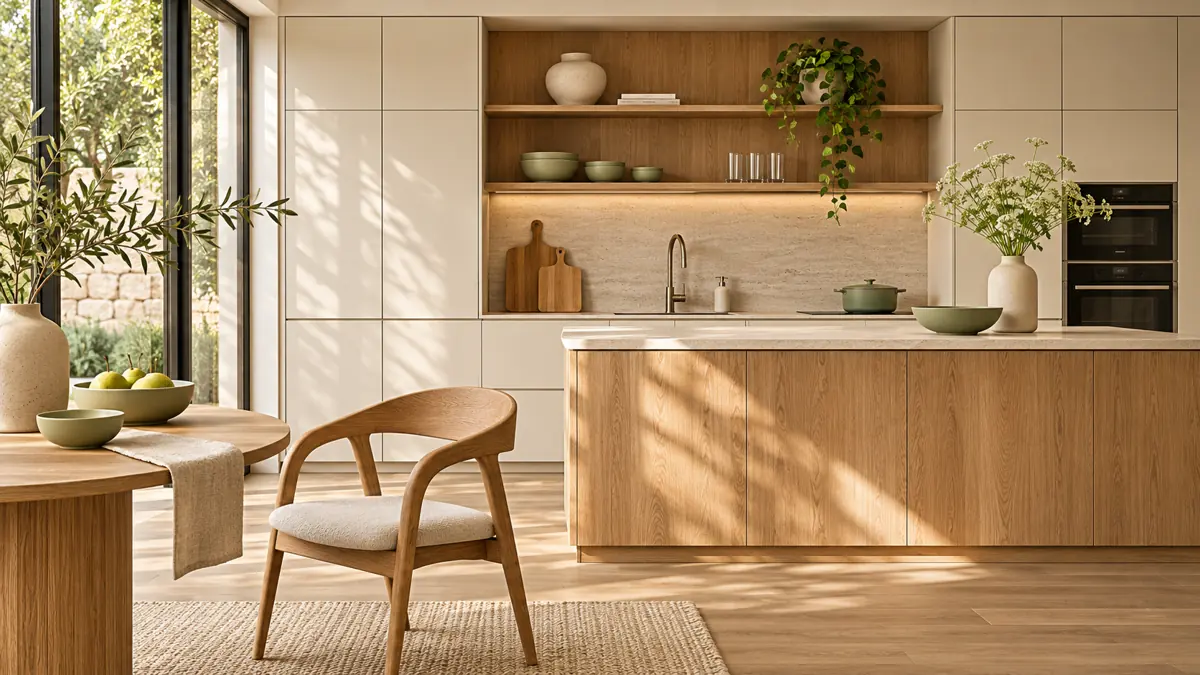
Short answer: put product information before effects
A furniture shop needs room for photographs and practical details. Dimensions, materials, colour, included items and care instructions should be easy to find. Kitchen products may also need planning or consultation enquiries. First decide whether customers will buy directly, request a quote or book a discussion; that decision helps define the page structure.
What belongs on a furniture product page?
Describe the actual item rather than only its visual style. Give dimensions with clear units and explain exactly what is supplied. Show useful detail photographs and avoid ambiguous example prices. Assembly, delivery coverage and the ordering process must reflect your real offer rather than the demonstration content.
- Main images, material details and understandable measurements.
- Clearly labelled colour, fabric or configuration options.
- Practical delivery and assembly information.
- A visible contact route for planning questions.
How should I compare two furniture store designs?
Use the same example products in both comparisons. Open a category, a complete product page and the mobile layout. Try long names and several available options. Complex product configurators or planning software may require an additional solution; a suitable visual style does not provide those functions by itself.
Where can I find a suitable starting point?
The QESPRO WooCommerce theme for furniture and kitchen stores is one design direction for this product range. Compare its description and available preview with your actual product list. Browse other WordPress themes for online stores to compare alternative styles before deciding.
Use descriptions and photographs that represent the products you really sell. Discuss special requirements in advance, including options, consultation forms or stock management integrations. Visit the QESPRO homepage for further information and project enquiries.