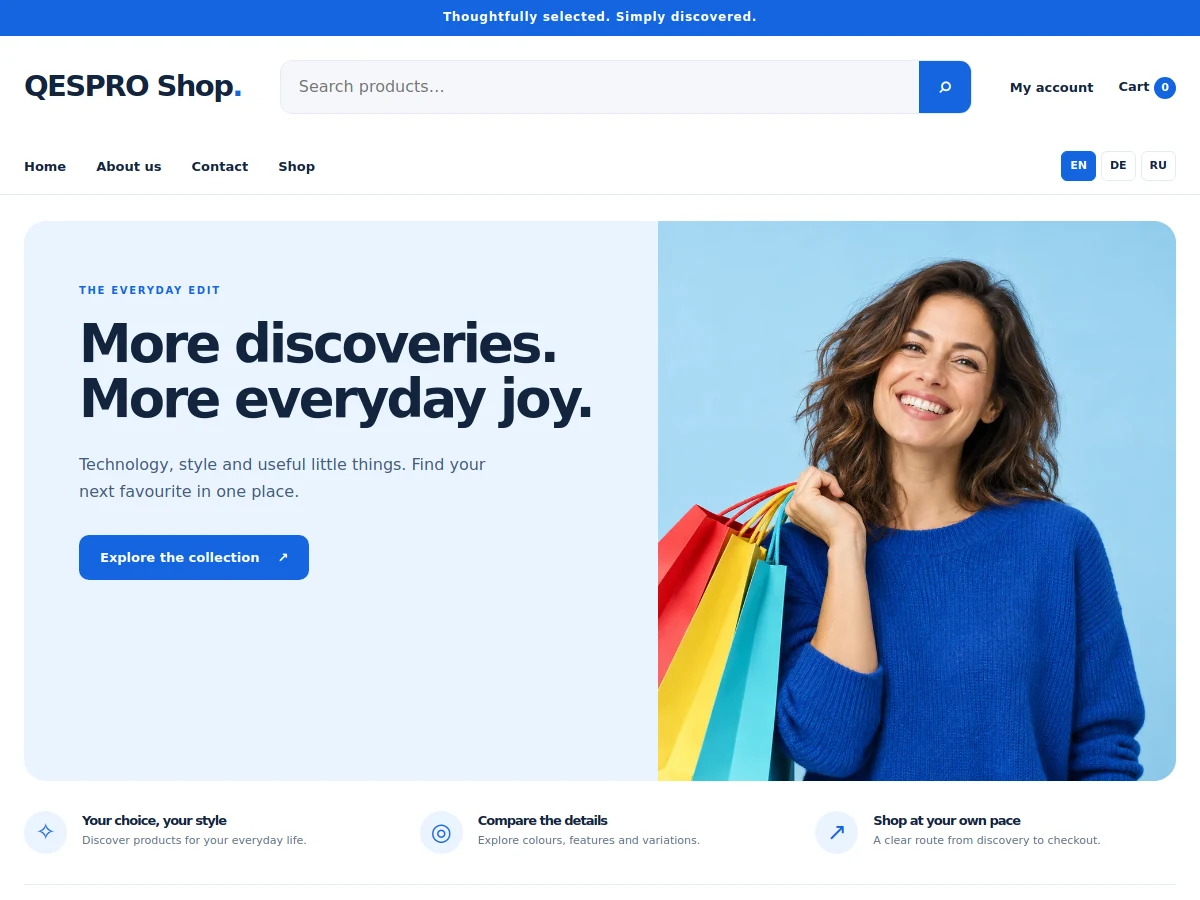
 WooCommerce shop
Universal shop
QESPRO Universal Shop
A flexible shop for different product ranges. Clearly structured, with configurable product filters.
49,00 €Explore theme ↗
View live demo ↗
QESPRO · Standalone WordPress themes
Compare standalone WordPress themes for online shops, business websites and onepage projects. Choose a category and open the live demo of the design you want to explore.
WooCommerce shopUniversal shop
A flexible shop for different product ranges. Clearly structured, with configurable product filters.
 WooCommerce shop
Kitchen & living
Warm colours, large images and a calm design for kitchens, furniture and home accessories.
 WooCommerce shop
Beauty & care
A bright, carefully balanced shop design for cosmetics, skincare and beauty products.
 WooCommerce shop
Pet supplies
A friendly, clear shop for pet supplies, accessories and animal care products.
 WooCommerce shop
Fashion & accessories
Generous images and a modern editorial style for fashion, collections and accessories.
 Service website
Renovation & interiors
A modern website for renovation, plasterboard, decorating, tiling and other interior work.
 Service website
Cleaning services
A clear website for building, office, window and other cleaning services.
 Service website
Beauty studio & treatments
An elegant beauty studio website with treatments, studio images and clear contact routes.
 Onepage & landing page
Cleaning · Onepage
A compact cleaning business preview: services, working process and contact on one page.
Choosing a theme
The QESPRO catalogue separates shops, service business websites and onepage templates. Start with the type of project you need. For products with a basket, compare WooCommerce themes. For services with individual pages, explore business website themes. Present one focused offer with onepage and landing page templates. The individual listing defines the package and technical requirements.
A service business website should explain what you do, who you help and how someone can make an enquiry. WordPress themes for service businesses give those details a clear visual structure. The QESPRO catalogue includes separate designs for renovation companies, cleaning businesses and beauty studios. Compare them using your actual services and the questions customers ask before contacting you.
Plan the relationship between your homepage and service pages before choosing a design. The homepage introduces the company and directs visitors to the right area. Individual pages explain the scope of a service, the working process and any information needed for an enquiry. A well organised business website remains easier to update when you introduce another service or change your working area.
A onepage website presents an offer in a continuous sequence, from the first explanation through services and working methods to contact. WordPress onepage themes and landing page templates can suit a business with a clearly defined starting offer. A useful section order matters more than decorative effects. Visitors should understand the offer without having to interpret a collection of unrelated messages.
A landing page may also be the destination for a specific campaign. Its heading, photographs and contact proposition should match the advertisement or recommendation that brought someone there. Decide which action is useful at the end: sending an enquiry, requesting information or asking about availability. Several equally prominent goals can make the next step harder to recognise.
An online shop organises inventory, presents product information and supports an order. A service website explains work, coverage and how to make an enquiry. A landing page concentrates on one offer. These differences affect navigation, content and technical setup. Begin with the task your website needs to perform rather than choosing a colour before deciding how visitors should use the finished site.
A trade business with several work areas may benefit from separate service pages. A focused campaign can use a continuous single page. A kitchen retailer or another product business needs suitable categories and product information instead. The catalogue categories separate these starting points. Within the right group you can then compare photographs, typography, page structure and the available editing options.
Open the preview and imagine your actual text and images in the layout. Does a longer service name fit in the menu? Is essential information visible for a product with several characteristics? Can someone find contact details at the end of a longer page? Use the same questions for two designs. This gives you comparable observations rather than a decision based only on the opening photograph.
Check the homepage and individual pages on a phone. Open a service or product and follow the intended enquiry or order route. Demonstration data illustrates the design. Names, photographs, numbers and sample content need adaptation to your own business. An available preview does not establish a special integration that is absent from the product description. Ask about requirements that could affect your launch.
Before setup, list the pages, original images and existing content you need. Read the individual template requirements and identify extensions that are actually necessary. A shop and an enquiry website have different starting requirements. Avoid selecting an extensive system for functions your project will not use. The specific listing should provide the basis for the installation and purchasing decision.
Install the appropriate package, assign the homepage and review published pages and the active menu. Import demo content deliberately. For an established website, a test copy lets you compare content and functions before switching designs. Select additional assistance according to the work required. Purchasing theme files and commissioning a complete custom website remain separate services with separately defined scopes.
Choosing a theme also affects how you will work with content later. Decide who updates services, prices, photographs or products. Alongside the stated theme price, budget for a domain, hosting and the tasks your project actually needs. Clarify questions about integrations, multiple languages or special forms before ordering, so an additional requirement does not emerge only after configuration has begun.
Keep installation files and setup notes, review licence conditions and plan backups. After changes, check internal links, contact routes and the layout on small screens. Keep your description of the offer consistent with the functions the website really provides. Continue by comparing the relevant category or discussing your project through the QESPRO homepage. A clear record of responsibilities makes future updates easier to organise.
QESPRO
Share your genuine experience with our services. Reviews are moderated before appearing.
Real customer reviews will appear here after approval.