 Service website
Renovation & interiors
QESPRO Renovation
A modern website for renovation, plasterboard, decorating, tiling and other interior work.
49,00 €Explore theme ↗
View live demo ↗
QESPRO · Standalone WordPress themes
Designs for renovation companies, cleaning businesses and beauty studios. Compare service pages, navigation and contact routes in the live demos.
Service websiteRenovation & interiors
A modern website for renovation, plasterboard, decorating, tiling and other interior work.
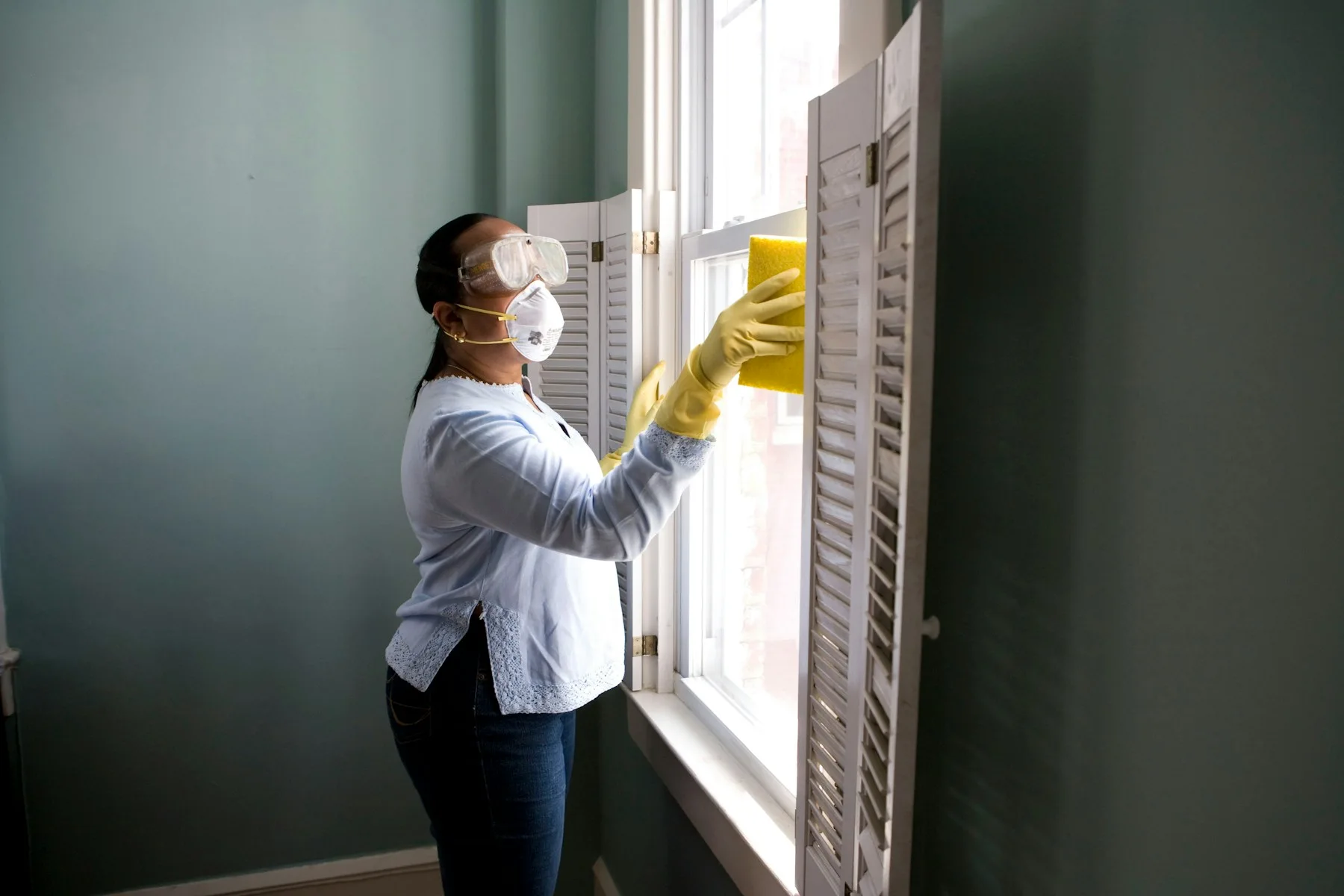 Service website
Cleaning services
A clear website for building, office, window and other cleaning services.
 Service website
Beauty studio & treatments
An elegant beauty studio website with treatments, studio images and clear contact routes.
Choosing a theme
A service business website should explain what you do, who you help and how someone can make an enquiry. WordPress themes for service businesses give those details a clear visual structure. The QESPRO catalogue includes separate designs for renovation companies, cleaning businesses and beauty studios. Compare them using your actual services and the questions customers ask before contacting you.
Plan the relationship between your homepage and service pages before choosing a design. The homepage introduces the company and directs visitors to the right area. Individual pages explain the scope of a service, the working process and any information needed for an enquiry. A well organised business website remains easier to update when you introduce another service or change your working area.
Renovation projects can involve decorating, plasterboard installation, flooring, tiling and other interior work. A WordPress theme for trades should help visitors distinguish these services. Explain whether your company coordinates an entire project or provides particular tasks. Details about a site visit, quotation and preparation are more useful than broad promises that do not explain what a customer can actually request.
Use the Renovation demo to inspect the homepage, service pages and navigation together. Open a service page on a phone and check whether headings, photographs and contact buttons remain clear. Your own project photographs should represent work your business completed and have useful captions. Demonstration images illustrate a layout; they should not be presented as evidence of your own previous projects.
Commercial cleaning, window cleaning, regular maintenance cleaning and post-construction cleaning each raise different questions. A cleaning business website can answer them on dedicated pages while keeping the company introduction in one place. Explain the types of property you serve, the intended frequency and the information needed to prepare an appropriate quotation. Keep service names consistent across the menu and page headings.
Compare the Cleaning demo with the way your business receives enquiries. A facilities manager may need different information from a private household. Describe your real service area, availability and assessment process without listing work you do not offer. Additional pages should contain useful explanations. Repeating the same paragraph with another town name does not help visitors understand the service or the area you genuinely cover.
A beauty studio website needs to communicate both the atmosphere of the studio and the practical details of treatments. Visitors may want to understand the process, approximate duration and how to ask for an appointment. A WordPress theme for beauty salons should leave room for readable explanations alongside suitable photographs. The Beauty Studio demo provides a starting point for comparing those elements.
Add treatment information that reflects your actual offer and keep any published prices current. Explain preparation requirements where relevant and avoid unsupported claims about results. An enquiry form does not automatically provide confirmed appointment booking. If you need a calendar, online payment or an external booking provider, agree and test that integration separately. Describe the feature according to the way it is actually configured.
The menu should group services understandably and make every important page reachable. Test dropdown navigation with a mouse, keyboard and touch input. Long service names should remain legible on a small screen. Contact buttons must lead to a published page or a clearly labelled section. Replace placeholder numbers and empty links before the website is made available to customers.
Prepare your business name, contact address, phone number and working area. When offering WhatsApp contact, use the correct international number and test the transition on a phone. Forms need to send messages to a monitored email address. Submit your own test enquiry and confirm that it reaches the inbox. An on-screen success message alone is not evidence that email delivery is working correctly.
Phrases such as WordPress themes for trades, cleaning company website templates and beauty salon themes describe the design you are selecting here. Your finished business website should focus instead on the services you provide and the places you actually serve. Assign one clear subject to each service page and answer the related questions using original, practical information.
Use a descriptive main heading, meaningful subheadings and individual page titles. Write image alt text that describes what is shown and link related services when that connection helps the reader. Avoid near-identical location pages without useful local information. A theme supplies a design foundation; search visibility also depends on relevant content, accessible pages and continued technical maintenance after launch.
Each design has its own listing. Read the description for the installable package, demonstration content, editing options and technical requirements. The Renovation, Cleaning and Beauty Studio service themes do not require WooCommerce for their website features. A shop system becomes relevant only when your project genuinely needs product sales, a basket or a corresponding order process.
Try a new design on a suitable test copy before changing an established website. Import demonstration content deliberately, then check the homepage assignment, published service pages and active menu. Replace sample text, photographs and contact details. Purchasing a template and commissioning a complete custom business website are separate services; the relevant offer should explain the scope of each.
Allow for the theme price, hosting, domain, setup work and the preparation of your own content. Choose optional installation or brand adaptation according to the help you need. The listing and agreement define the actual service scope. Do not infer that ongoing maintenance, every possible integration or a completed website is included simply because a demo can be opened in your browser.
Check domain usage, update access and support conditions before ordering. Keep the installation package and setup notes and arrange backups for the running site. If your service range grows, new individual pages may work better than an overcrowded homepage. Compare onepage and landing page templates for one focused offer or WooCommerce themes for product sales. Return to all WordPress themes to review the complete collection.
QESPRO
Share your genuine experience with our services. Reviews are moderated before appearing.
Real customer reviews will appear here after approval.