 WooCommerce shop
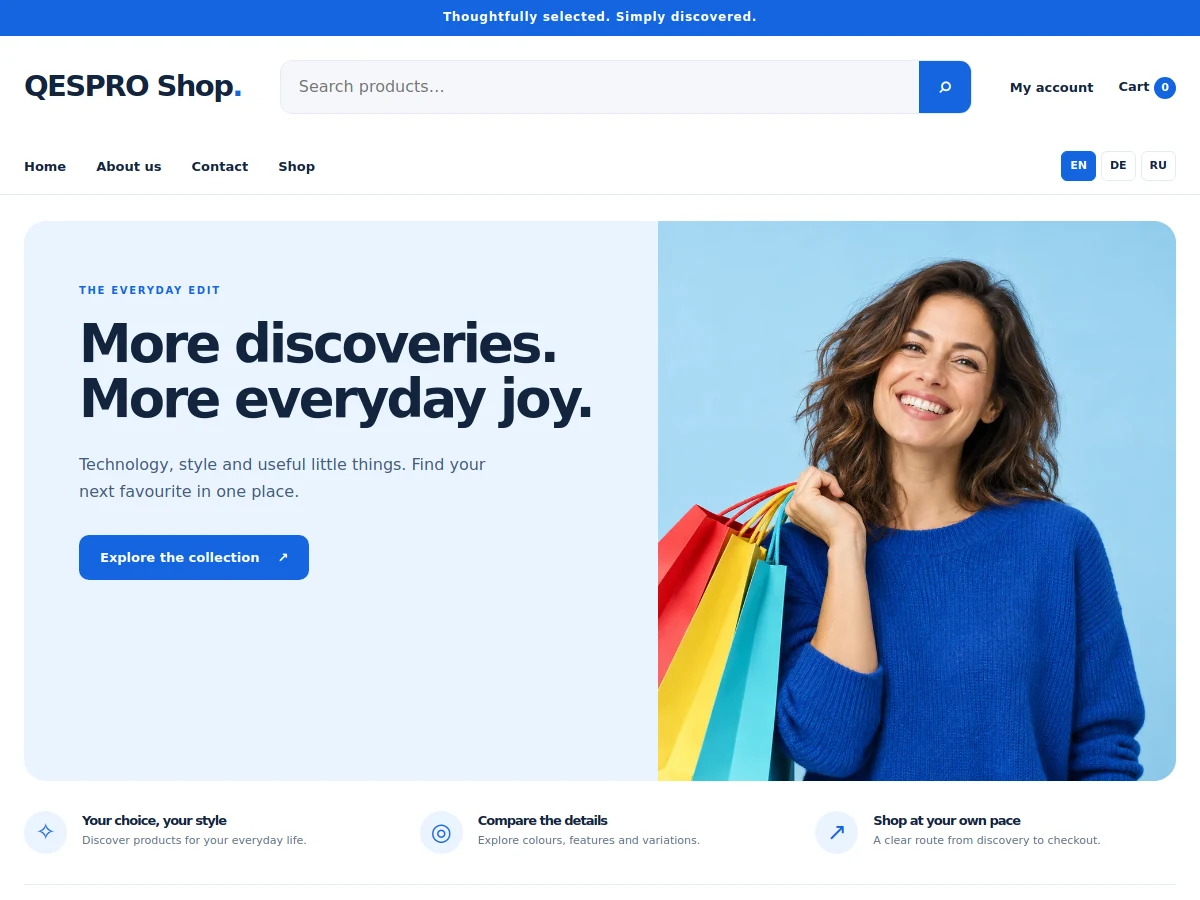
Universal shop
QESPRO Universal Shop
A flexible shop for different product ranges. Clearly structured, with configurable product filters.
49,00 €Explore theme ↗
View live demo ↗
QESPRO · Standalone WordPress themes
Standalone WordPress themes for your WooCommerce store. Compare designs and add optional setup assistance.
WooCommerce shopUniversal shop
A flexible shop for different product ranges. Clearly structured, with configurable product filters.
 WooCommerce shop
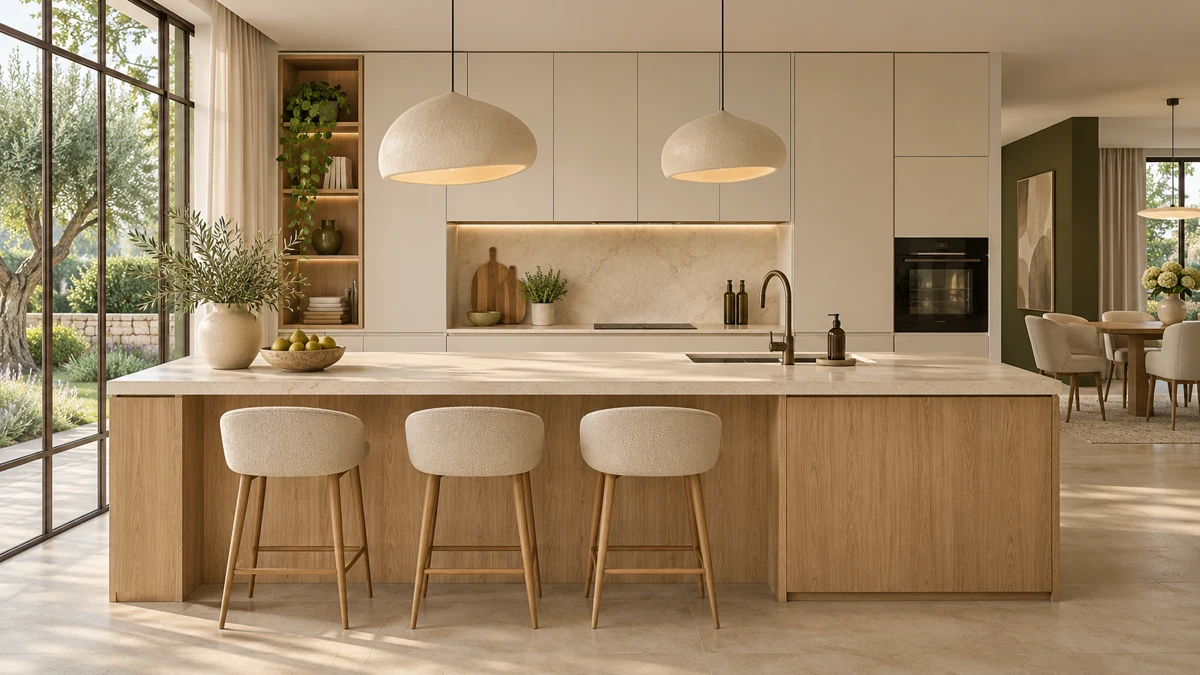
Kitchen & living
Warm colours, large images and a calm design for kitchens, furniture and home accessories.
 WooCommerce shop
Beauty & care
A bright, carefully balanced shop design for cosmetics, skincare and beauty products.
 WooCommerce shop
Pet supplies
A friendly, clear shop for pet supplies, accessories and animal care products.
 WooCommerce shop
Fashion & accessories
Generous images and a modern editorial style for fashion, collections and accessories.
Choosing a theme
The QESPRO theme catalogue brings together standalone WordPress templates for WooCommerce. Each design is offered as a separate theme. Compare the relevant product pages to understand exactly which design you are purchasing and what is needed to set it up. A clear match between the layout and your inventory provides a more useful starting point than a long list of decorative features.
A store layout should make it easy to move from a category to a product and then to the basket. Check how clearly product images, prices and essential details are presented. Long product names, stock messages and several available options should remain understandable. The homepage cannot show you how well every part of this journey will work with your own catalogue.
The collection includes Universal Shop, Kitchen & Living, Beauty & Care, Pet Shop and Fashion. A general design gives you an open starting point, while a more focused style helps establish the right visual direction. In either case, you will need to adapt categories, photography and descriptions to the actual products and information you provide.
For interiors, explore the WooCommerce theme for furniture and kitchen stores. Assess the space available for larger product photographs and the order in which practical information appears. Apply the same method to other niches. The most suitable WordPress template is the one that supports your real products and customer questions, rather than simply producing the strongest first impression.
WordPress themes with demos can help you assess page structure and visual presentation. A live preview becomes available when its demo link has been configured. If a preview button is missing, use the available images and product description or ask about the demo status. Do not treat an unpublished preview as evidence that a particular feature has already been tested for your project.
A theme supplies the design foundation for a WordPress website. The individual listing and documentation define the package you receive. Before purchasing, review the installable ZIP, included demonstration content, required plugins and installation requirements. A template purchase does not by itself provide a fully configured business, product catalogue or customer support process.
Prepare your logo, contact details, category structure and consistent product information. Make sure you have permission to use your photographs; demonstration images should not automatically become pictures of your real stock. Check which elements can be changed through the editor or theme settings. Discuss special integrations before ordering so that their scope is clear from the start.
Product cards display the current theme price. When comparing paid WordPress themes, also allow for hosting, a domain, setup work and any external extensions your store requires. Check whether a proposal lists those items separately. A low purchase price alone does not explain the cost or time required to produce a working store with your own products.
Buying a standalone theme and subscribing to a platform plan are separate offers. Theme files are used on your own compatible WordPress installation. The relevant listing and checkout explain the applicable payment and licence conditions. Reserve time for writing descriptions, preparing images, testing pages and maintaining the site after launch, as these tasks continue beyond the initial purchase.
You can handle the setup yourself or choose the assistance offered in the product configuration. Each optional service has its own stated scope. Available choices cover installation, brand adaptation, basic store configuration, page content, product entry and initial SEO work. Read those descriptions before adding a service so that the amount of work matches your expectations.
The launch package combines installation, adaptation to your brand and basic store configuration. Included tasks are not charged again as individual services. Copywriting, custom programming and complex data migrations are included only when expressly agreed. Decide which materials you will provide, how access will be arranged and who will review the completed store before it is opened to customers.
Review modern WordPress themes at more than one screen size. Navigation, product photographs, options and buttons should work with the content you actually plan to publish. Long headings or large option lists can behave differently from the examples in a demo. Test at least a full product page and a category on a phone rather than judging only a desktop screenshot.
Loading speed also depends on hosting, plugins, image sizes and caching. Resize photographs to suitable dimensions and choose well-compressed formats. Write useful alt text that describes the image. Avoid unnecessary autoplay video or scripts without a clear purpose. Assess performance on the configured website with its real content; a theme name alone cannot establish how quickly a complete store will load.
A theme is one part of an SEO strategy. Clear categories, distinctive page titles and original product descriptions help people understand your site. Assign search terms according to the purpose of each page: buying queries belong to the catalogue, specific product niches belong to relevant listings, and practical instructions belong in articles that answer the corresponding question.
Give each page a clear main heading and meaningful subheadings. Describe images accurately, link related content and check whether important pages are available for indexing. Replace copied demonstration text before launch. Purchasing a theme does not establish search rankings or revenue; useful content, a coherent structure and continuing technical maintenance remain part of running the website.
If you serve several markets, plan translations for navigation, categories, products and order messages. The languages available in the QESPRO catalogue do not automatically establish which multilingual features each theme provides. Consult the product documentation and assess the translation approach you intend to use. Language and currency settings should fit the way you plan to sell and support customers.
Read the WordPress theme licence information, permitted usage and access conditions for updates and support. Keep the installation file and relevant setup notes. Test changes on a copy of the site whenever possible. Regular backups and a documented recovery process help protect the running store when you later change the design, install an extension or update an essential component.
A standalone theme is installed on a suitable WordPress website. Check the requirements for WordPress, PHP, WooCommerce and any necessary extensions beforehand. Hosting and a domain are included only when the offer explicitly says so; they should not be assumed to come with the theme ZIP.
Demo data demonstrates a design and can help with setup. Replace it with your products, original descriptions and appropriate images. Then review menus, product options, contact details and the intended checkout process. Sample products and example images need their own review before a website is opened to real customers.
The additional services are optional. Choose them according to your experience and the amount of work you need. For an existing shop, take a backup and test a theme change on a separate copy first. A design change should not become an unplanned experiment on the live checkout.
Compare two suitable designs using the same products and requirements. Read the listing, test available previews and ask about anything that affects your launch. For other services and ways to discuss your project, visit the QESPRO homepage.
QESPRO
Share your genuine experience with our services. Reviews are moderated before appearing.
Real customer reviews will appear here after approval.